Skip to content
Skip to breadcrumbs
Skip to header menu
Skip to action menu
Skip to quick search
Spaces
Hit enter to search
Help
Online Help
Keyboard Shortcuts
Feed Builder
What’s new
Available Gadgets
About Confluence
Log in
支持
Space shortcuts
天河官网
Page tree
Browse pages
Configure
Space tools
A
t
tachments (1)
Page History
People who can view
Page Information
Resolved comments
View in Hierarchy
View Source
Export to PDF
Export to Word
Dashboard
…
支持
常见问题
天河THCAD® 2D 常见问题
二十四、选项、设置窗口的调用方法
Skip to end of banner
Jira links
Go to start of banner
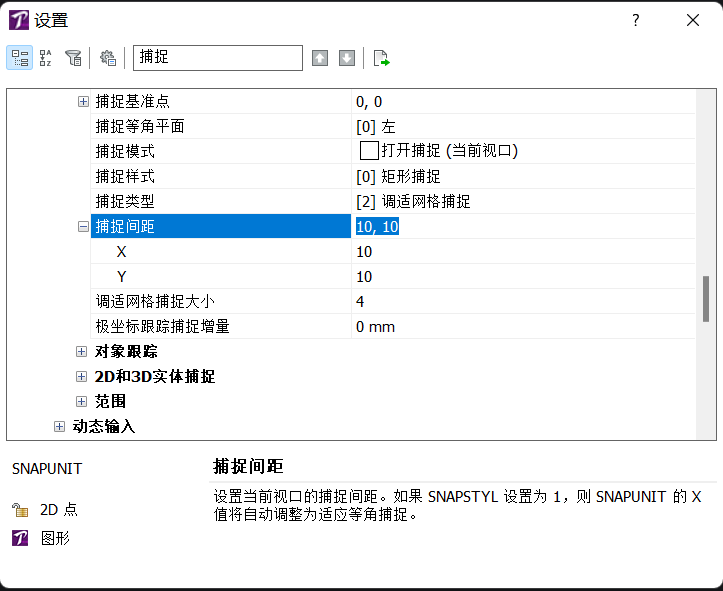
2. 设置窗口的调用方法
Skip to end of metadata
Created by
admin1
, last modified on
Feb 13, 2023
Go to start of metadata
方法一:
命令行
输入:
SE
,
SETT
或settings
方法二:
菜单
:工具——
绘图设置
No labels
Overview
Content Tools
{"serverDuration": 76, "requestCorrelationId": "966944fed13c23f0"}