...
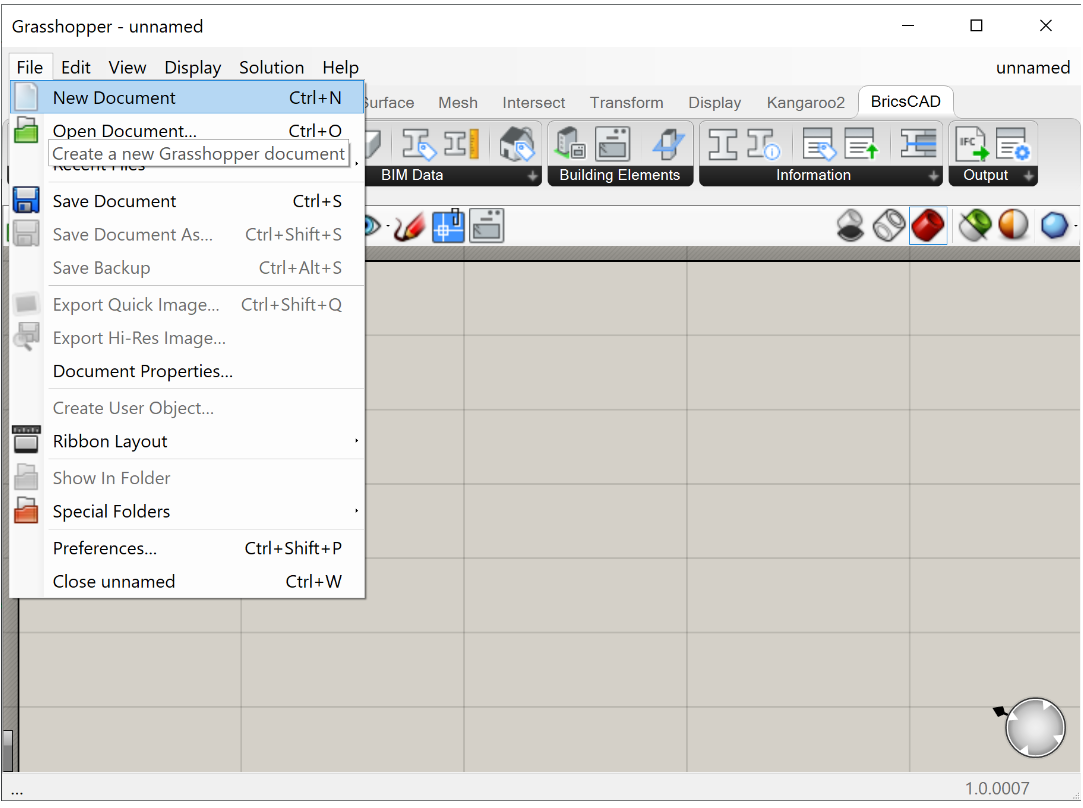
- 要打开新的Grasshopper脚本,请在Grasshopper环境中单击Grasshopper> Grasshopper,然后单击File> New document。保存文件。
- 在仪表模板中打开一个新的THCAD文件并保存。
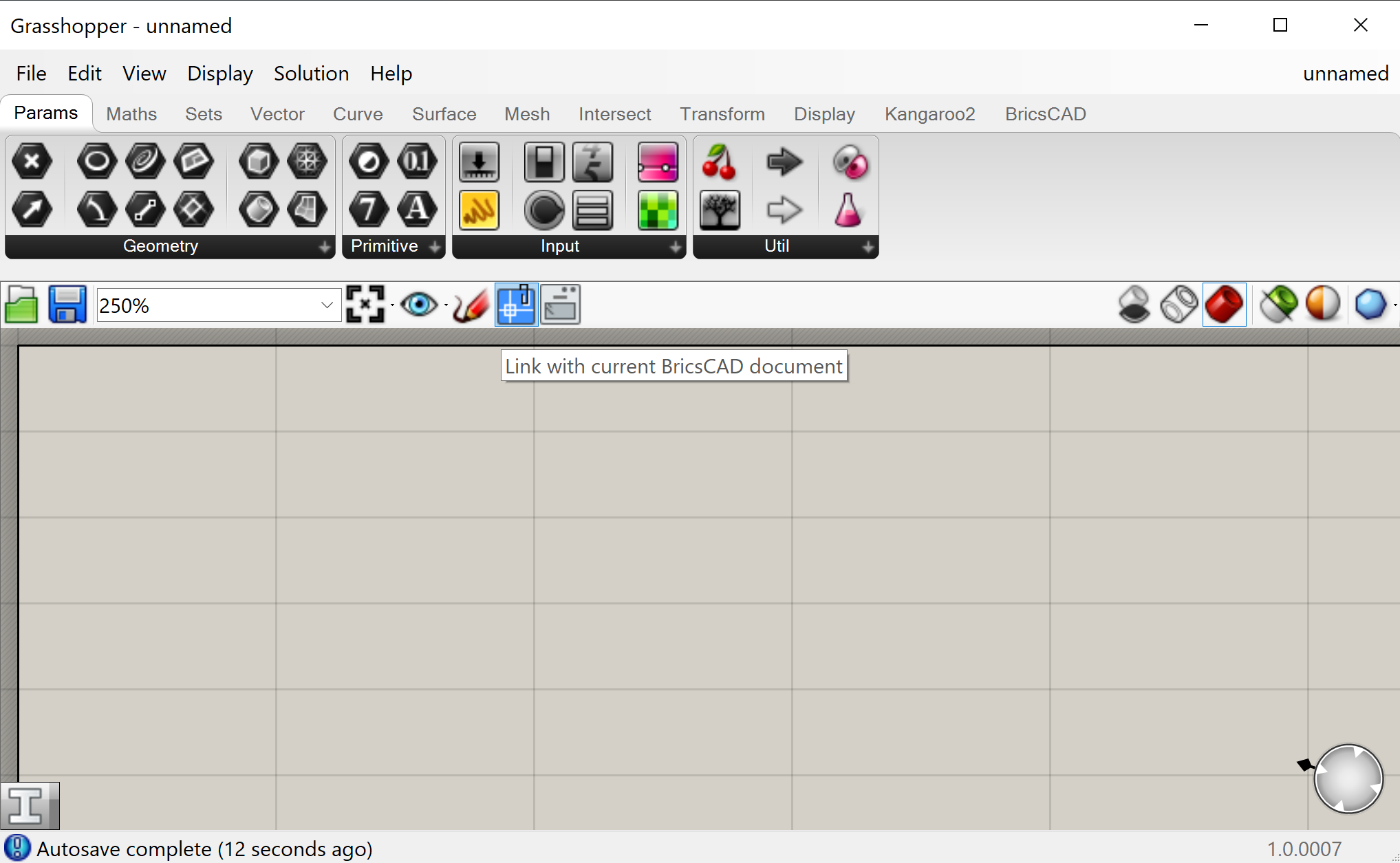
- 要将新脚本链接到打开的.dwg文件,请单击“画布工具栏”中的“链接”按钮。
- 转到THCAD模型空间并绘制一个矩形。
注意:使用折线创建不规则几何形状。 - 将THCAD>输入几何>曲线组件拖放到Grasshopper画布上。
- 右键单击“曲线”组件,然后选择“设置一个THCAD曲线”。
- Go to the THCAD model space and select the rectangle.
Note: Save time with the Quad: select the curve in THCAD and then select ToGrasshopper under the Grasshopper tab of the Quad. A Grasshopper component appears in the upper left corner of your Grasshopper canvas.转到THCAD模型空间,选择矩形
注意: 使用Quad节省时间:在THCAD中选择曲线,然后选择Quad中Grasshopper 页签下的ToGrasshopper。一个Grasshopper组件出现在Grasshopper 画布的左上角。 - Link the Curve component to a Surface > Freeform > Boundary Surfaces component
- Link this to a Surface > Freeform > Extrude component.
- In the Direction input of the Extrude component link a Vector > Vector > Unit Z component with Params > Input > Number Slider component. Set this to the height of your box, 17 for example. Note: you can edit the range and preciseness of the slider by right-clicking the component and selecting 'Edit...'. A dialog box pops up where you can set the digits and min and max value of the slider.

- You now have drawn a box in Grasshopper, using THCAD geometry as an input!
...